Nick Barre
Senior Character Artist
World Align | Maya Script
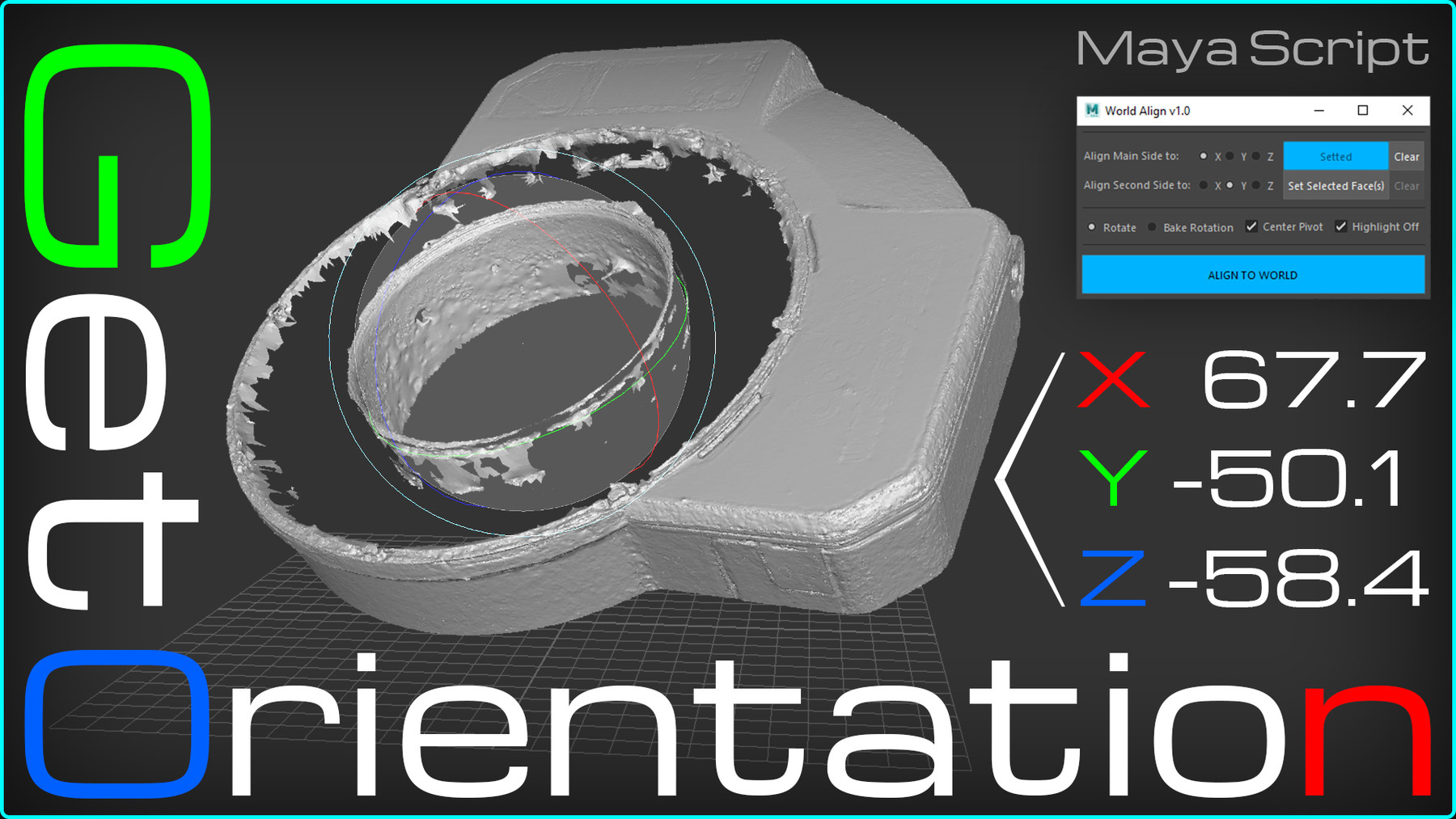
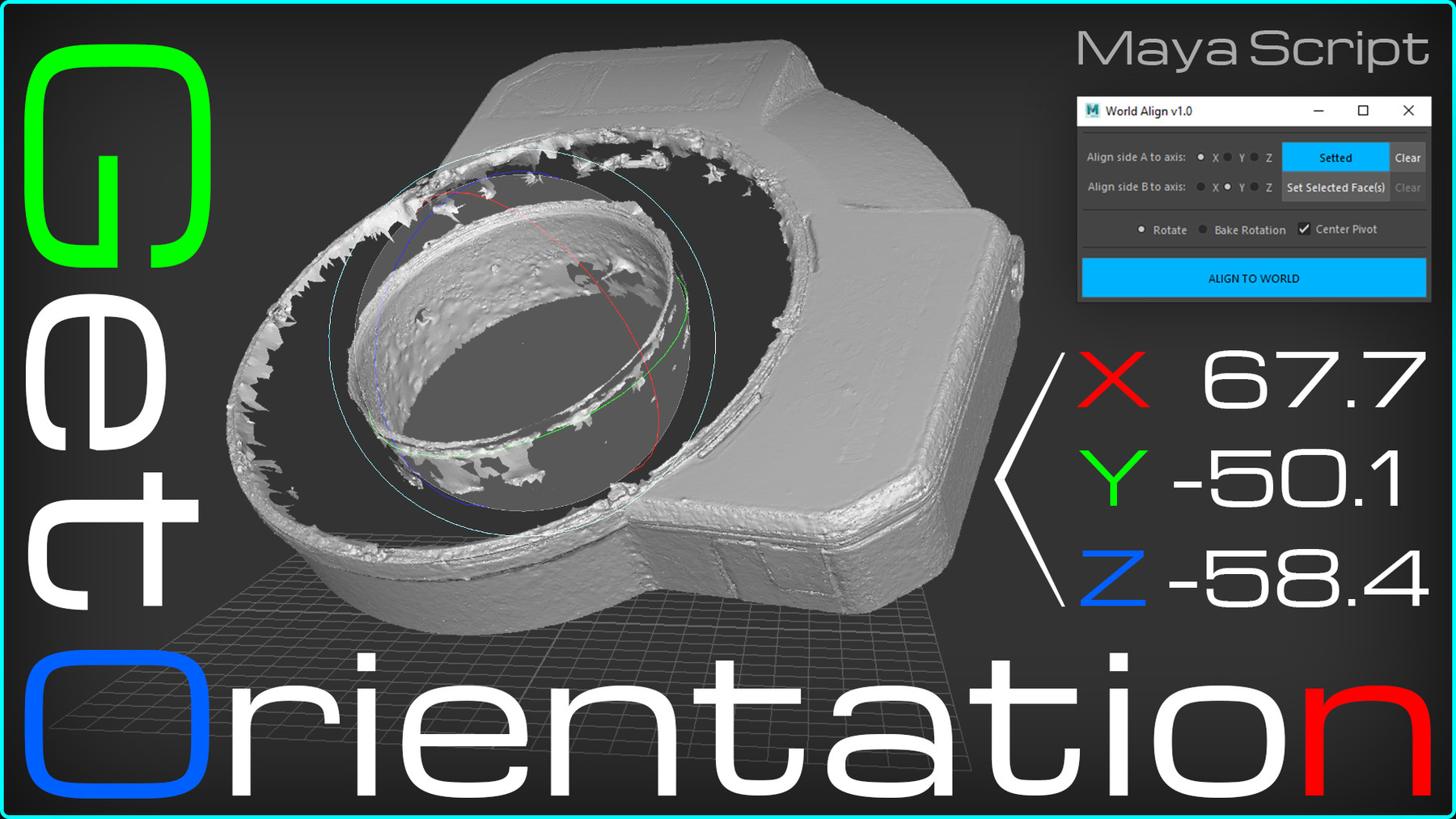
Have you ever faced one of the following issues?
- Bake the rotation angles of a rotated object with reseted transforms
- Orient the object parallel to the world, with reseted transforms
- Align a cylinder with an odd number of segments
What if it's a 3D scan or a high-poly model with an unknown rotation and tons of polygons?
As modeller I had all this headache. But the worst thing for me is to measure it all by eye. After another headache of aligning the 3D scan, I finally decided to create this script and put the end to this monkey job :)
How does Word Align script work?
All you have to do is select a few face(s) on one side and the other. And your object will be world aligned or the rotation angles will be baked into transforms (by option)
Advantages of World Align Tool in comparison with default Bake Pivot Tool:
- Doesn't destroy custom vertex normals!
- The ability to select multiple faces for each side for the best result. This is very useful if the surface is not perfect and has some noise (e.g. 3D scans)
- Works several times FASTER!
Compatible with Maya: 2016, 2017, 2018, 2019, 2020, 2022.
Installation
- Put the file worldAlign.py into \Documents\maya\20XX\scripts
- To add the script to shelve or run from scripteditor or to add a hotkey - use following 3 lines below (Python):
import worldAlign as wa
wa.WorldAlign()
Release Notes
- Bug fix with Maya 2022 in python 2 mode